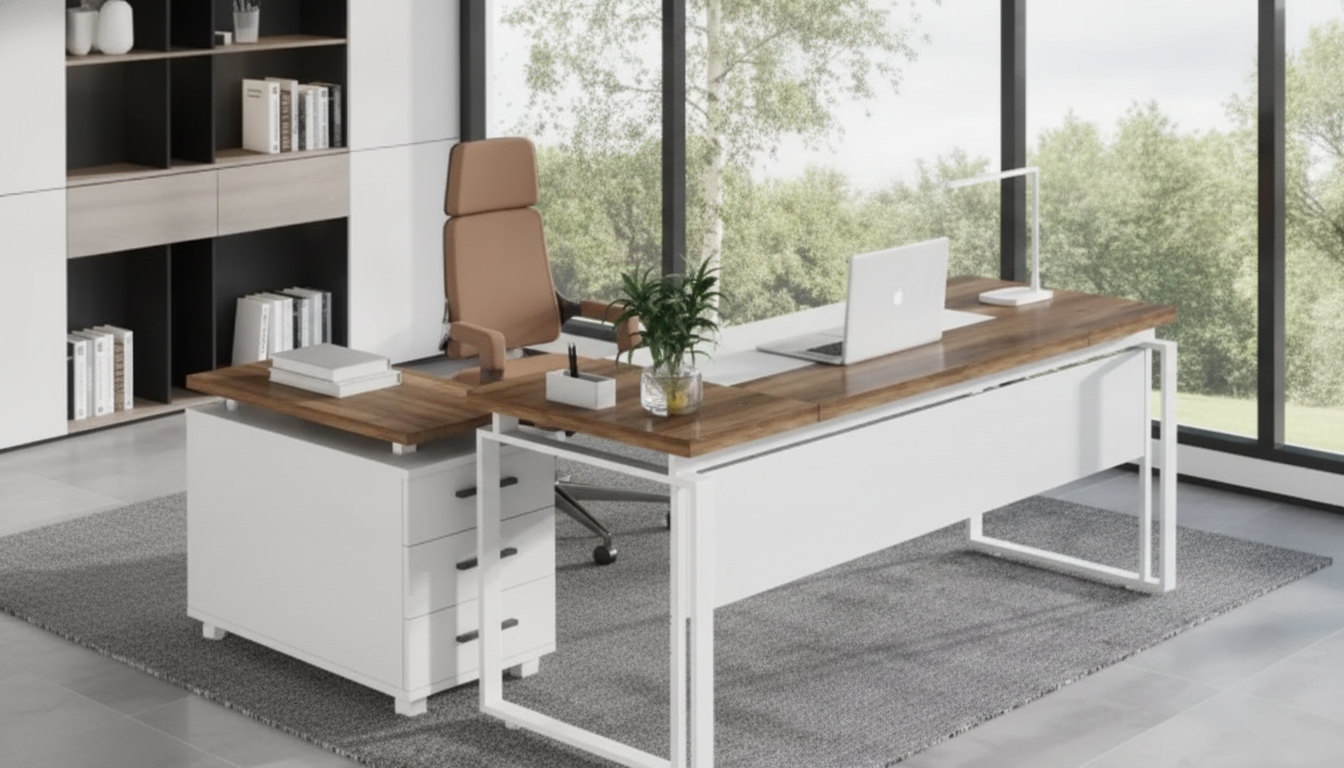
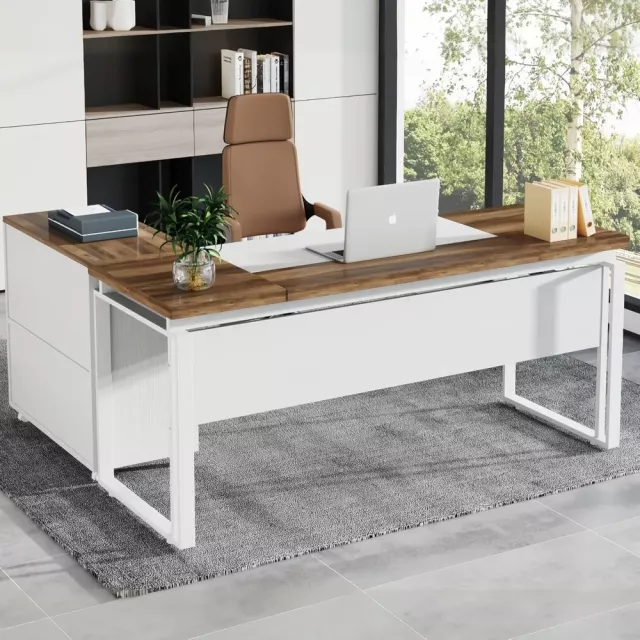
A shaped desk set can turn a spare room or corner into a focused workstation by combining a wraparound surface with built-in storage. The right L-shaped office desk set with drawers and a file cabinet helps keep tools close, paperwork contained, and cables under control—without scattering extra shelves and bins around the room. Below are the details that matter most when you’re planning a clean layout, reliable storage, and a workflow that feels easy day after day.
What Makes a Shaped Desk Set Different
An L-shaped setup creates a “two-zone” workstation that’s hard to replicate with a straight desk. It’s not only about more surface area—it’s about how that surface is used.
- Wraparound work zones: separate a primary computer area from a writing, printing, or meeting side.
- Storage built into the footprint: drawers and a file cabinet reduce the need for extra shelving units.
- Better cable and device management potential: more edge length for routing cords, power strips, and monitors.
- A more defined “office” feel in multi-use rooms: the shape creates a boundary that helps keep work materials contained.
If your space doubles as a guest room or living area, the L shape can keep work contained to one corner so the rest of the room still feels open and intentional.
How to Choose the Right Size and Orientation
Before picking finishes or drawer counts, nail the layout. Most “doesn’t feel right” desk complaints come down to orientation, clearance, and monitor distance.
- Pick left-return or right-return based on the wall outlets, window glare, and which hand needs open space for writing.
- Measure the corner clearance: allow space for baseboards, radiator covers, and door swing so the desk doesn’t force awkward placement.
- Plan chair movement: keep a comfortable path behind the chair, especially if drawers or a file cabinet are on the inner side.
- Consider monitor distance and depth: deeper sections support a comfortable viewing distance for larger screens and dual-monitor setups.
Quick fit checklist for an L-shaped desk set
| What to measure |
Recommended allowance |
Why it matters |
| Wall-to-wall corner span |
Desk width/depth + 1–3 in |
Helps prevent rubbing walls and makes leveling easier |
| Chair clearance behind seat |
24–36 in |
Improves comfort and reduces daily bottlenecks |
| Door and drawer swing zone |
2–6 in beyond the arc |
Avoids collisions with cabinet doors and drawers |
| Outlet and cable path |
Reachable within 3–6 ft |
Reduces extension-cord clutter and trip hazards |
Storage That Actually Improves the Day
Storage only helps if it matches what you reach for most. The goal is to reduce “micro-friction”—the little delays caused by digging through piles or walking to another room for supplies.
- Drawers: separate “daily-use” items (pens, notepads, chargers) from “weekly-use” supplies (labels, envelopes, spare peripherals).
- File cabinet: decide if letter, legal, or mixed filing is required; check if hanging-file rails are supported.
- Placement matters: a file cabinet on the outer side can be easier to access, while an inner-side cabinet can keep paperwork closer to the main work zone.
- Balance: heavier filing should sit over strong support points; avoid overloading a cantilevered end if the design is asymmetrical.
A practical approach is to keep only “active” folders in the cabinet (projects you touch weekly) and move older material to a labeled archive box. This keeps drawers gliding smoothly and prevents the cabinet from becoming a storage black hole.
Comfort and Ergonomics for Long Sessions
An L-shaped desk can feel great for long work blocks—if the primary typing zone is set up correctly. Prioritize a neutral posture first, then organize around it.
- Chair fit: confirm there is enough knee room under the primary surface and that drawer placement won’t force a twisted posture.
- Keyboard and mouse positioning: the main typing area should allow forearms to rest comfortably without reaching forward.
- Monitor height: plan for monitor risers or arms if the desk height and screen size cause neck tilt.
- Lighting: position the longer side to reduce screen glare from windows; add a task lamp for the writing surface.
- Foot space and stability: check that support panels or pedestals don’t block natural foot placement.
For additional workstation guidance, consult authoritative ergonomics resources like the OSHA Computer Workstations eTool, the Mayo Clinic office ergonomics guide, and Cornell University’s ergonomics resources.
Materials, Finish, and Durability Checks
A desk set gets used hard: sliding laptops, leaning during calls, coffee mugs, moving paperwork, and constant drawer use. Small construction details can make a big difference in how it holds up.
Setup Tips: Placement, Cables, and Daily Workflow
How to Choose If Stock Is Limited Elsewhere
FAQ
Should the return side go on the left or right?
Choose based on where outlets are, where window glare will land, and which side you want open for writing or mousing. Also confirm drawer and file access won’t be blocked by doors or walkways once the return is installed.
What should go in the drawers versus the file cabinet?
Use drawers for small, daily tools (pens, chargers, sticky notes, adapters) and the file cabinet for active folders, reference paperwork, and project documents. A simple label system and a quick weekly “reset” keeps both from turning into catch-all storage.
How can an L-shaped desk stay comfortable for long workdays?
Keep the keyboard and mouse close enough to avoid reaching, set monitors at a comfortable height and distance, and ensure the chair has clear space to move without twisting around drawer units. Reduce glare with smart placement and lighting, and take short movement breaks to reset posture.
Recommended for you









Leave a comment