Solid Wood Desk 55 Inches: Fit, Function, and Setup for a Comfortable Workspace
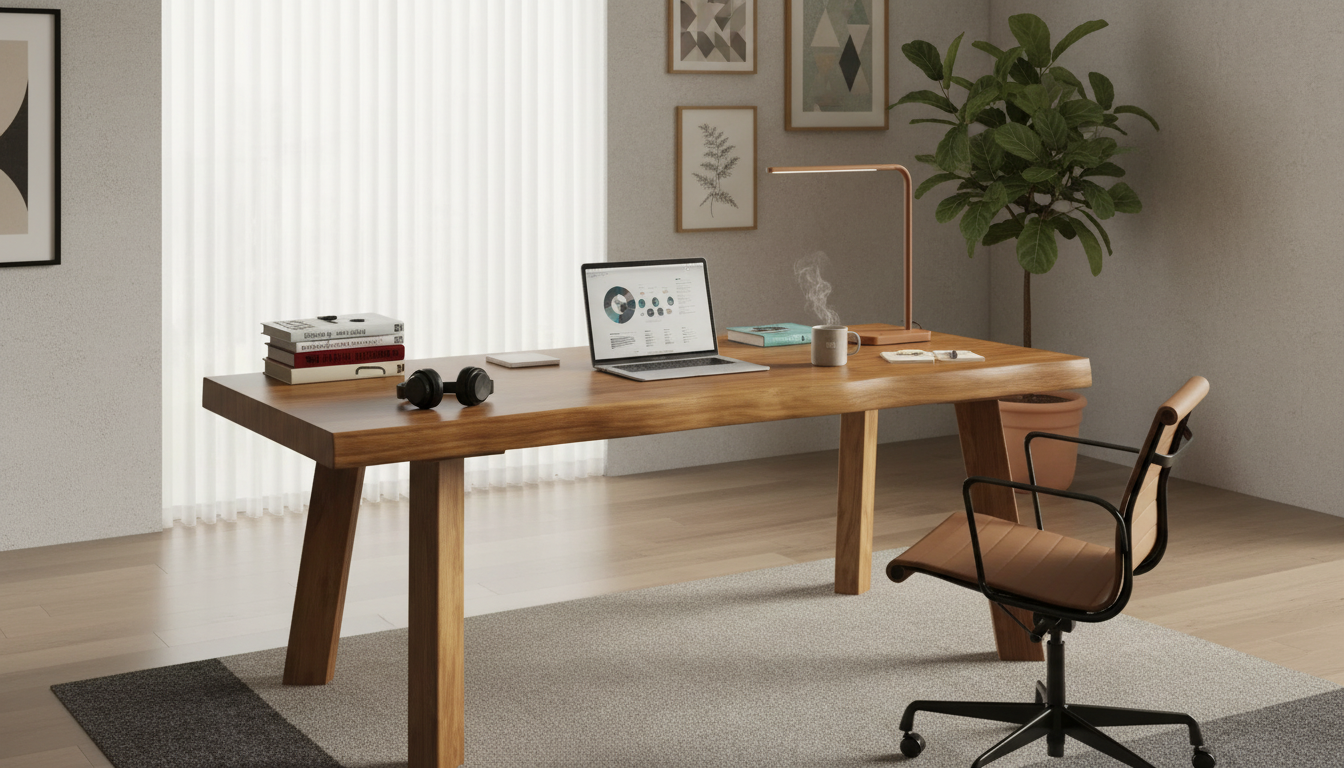
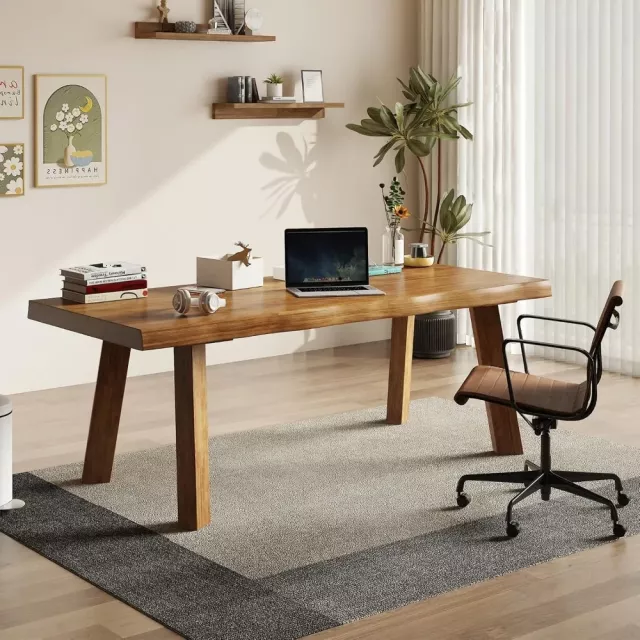
A 55-inch solid wood desk can strike a practical balance: wide enough for dual monitors and paperwork, yet compact enough for many apartments, bedrooms, and shared offices. Use the sections below to confirm the right size, plan clearances, choose a durable top, and set up an ergonomic workstation that feels solid and looks timeless.
Why a 55-inch solid wood desk works in many rooms
A 55-inch desk lands in a “just right” zone for many home layouts. It provides ample surface area for focused work without taking over the room, and solid wood brings a sense of permanence that lighter materials often can’t match.
- Offers a generous surface for a monitor setup, lamp, notebook, and accessories without pushing into oversized territory.
- Often fits along a standard wall segment while leaving space for shelves, filing, or a side chair.
- Solid wood provides a sturdy feel, warm appearance, and a surface that can be refinished over time (depending on finish and construction).
- A 55-inch span can support a focused work zone for remote work, studying, or creative projects.
55 inches in real life: measuring, placement, and clearances
“Fits in the room” isn’t just about width; it’s also about doors, drawers, chair movement, and where cables need to run. Taking a few minutes to measure (and mock up the footprint) can prevent a frustrating setup day.
Quick space planning guide for a 55-inch desk
| What to measure |
Recommended allowance |
Why it matters |
| Wall length for the desk |
55 in desk width + 2–6 in on each side |
Prevents a cramped look and leaves room for cables and baseboards |
| Clearance behind chair |
24–36 in (more for tight hallways) |
Supports comfortable sit/stand movement and chair roll-back |
| Walkway beside the desk |
24–30 in minimum |
Keeps traffic flow usable in bedrooms and shared rooms |
| Monitor depth + viewing distance |
Desk depth that allows ~20–30 in viewing distance |
Helps avoid eye strain and awkward neck posture |
| Cable and power access |
1–3 in behind desk or side access |
Reduces pinched cords and makes cleanup easier |
How to choose the right solid wood desk (beyond the inches)
- Construction and stability: Look for sturdy joinery and a stable base. A solid wood top paired with a rigid frame helps reduce wobble during typing or writing.
- Wood species and hardness: Harder woods generally resist dents better, while softer woods can still perform well with protective pads and a resilient finish. For deeper background on wood properties, the USDA Forest Products Laboratory Wood Handbook is a helpful reference.
- Finish type: Sealed finishes (often lacquer, polyurethane, or similar) tend to resist spills and stains. Oil finishes can be easier to spot-repair but may require periodic refreshing depending on use.
- Edge profile and comfort: A softened edge (slight round-over or bevel) often feels better against forearms during long sessions and reduces pressure points.
- Weight and mobility: Solid wood can be heavy. Confirm your assembly path through doorways and stairs, and protect floors with felt pads or a chair mat.
- Storage needs: Decide whether the priority is open legroom, minimal drawers, or integrated storage for stationery, notebooks, and devices. If you frequently switch positions, open space under the desk can be more valuable than extra cabinetry.
- Cable management: Plan for grommets, under-desk trays, or a clean routing path for monitor power, docking stations, and chargers—especially if the desk sits tight to a wall.
Ergonomics for a 55-inch desk setup
- Desk height and posture: Set chair height so feet are supported and elbows rest near a 90° angle while typing. If feet don’t reach comfortably, a footrest can help.
- Monitor placement: Keep the top of the screen around eye level and centered to reduce neck rotation. Guidance from the OSHA Computer Workstations eTool can help refine basics like viewing angle and posture.
- Keyboard and mouse zone: Place frequently used items within easy reach to avoid shoulder strain. Keep the mouse close to the keyboard to reduce reaching.
- Lighting: Position task lighting to minimize glare; if near a window, use blinds or angle the monitor to reduce reflections.
- If using dual monitors: Align both at similar height; consider a monitor arm to reclaim depth on the desktop. Arms can also help you fine-tune screen distance without crowding the work surface.
For more formal workstation dimensions and human factors guidance, ANSI/HFES 100 is a widely recognized reference standard.
Care, protection, and long-term durability
Styling ideas that suit solid wood
FAQ
Is a 55-inch desk wide enough for two monitors?
Often, yes—especially with two 24-inch to 27-inch monitors and a clean layout. Using a dual monitor arm can reduce stand footprints and free up space for speakers, a laptop, or writing area, but exact fit depends on monitor size and the width of the bases.
How much space should be left behind a desk for a chair?
A practical range is about 24–36 inches behind the desk for comfortable roll-back and standing up. Smaller clearances can work in tight rooms with a compact chair, while 30–36 inches feels easier for frequent movement and nearby walkways.
How can a solid wood desk be protected from scratches and water marks?
Use a desk pad or blotter for daily work, coasters for drinks, and felt pads under heavy items. Wipe spills promptly, avoid direct heat on the surface, and clean with products appropriate for the desk’s finish to prevent dulling or spotting.
Recommended for you









Leave a comment